This is a 15 minute talk for people who design software, screens and control interfaces. It was made by describing it to an AI assistant, and none of its code was typed by hand.
It finally gets it
AI coding assistants changed a great deal during 2026. This part looks at the release of Claude Opus 5.5 and at how five well known software developers now describe working with AI, including some who used to be sceptical.
It compares the old chain of brief, wireframe, prototype, review, build and fix with a single conversation that produces a working screen.
Too small to buy, so we just build them
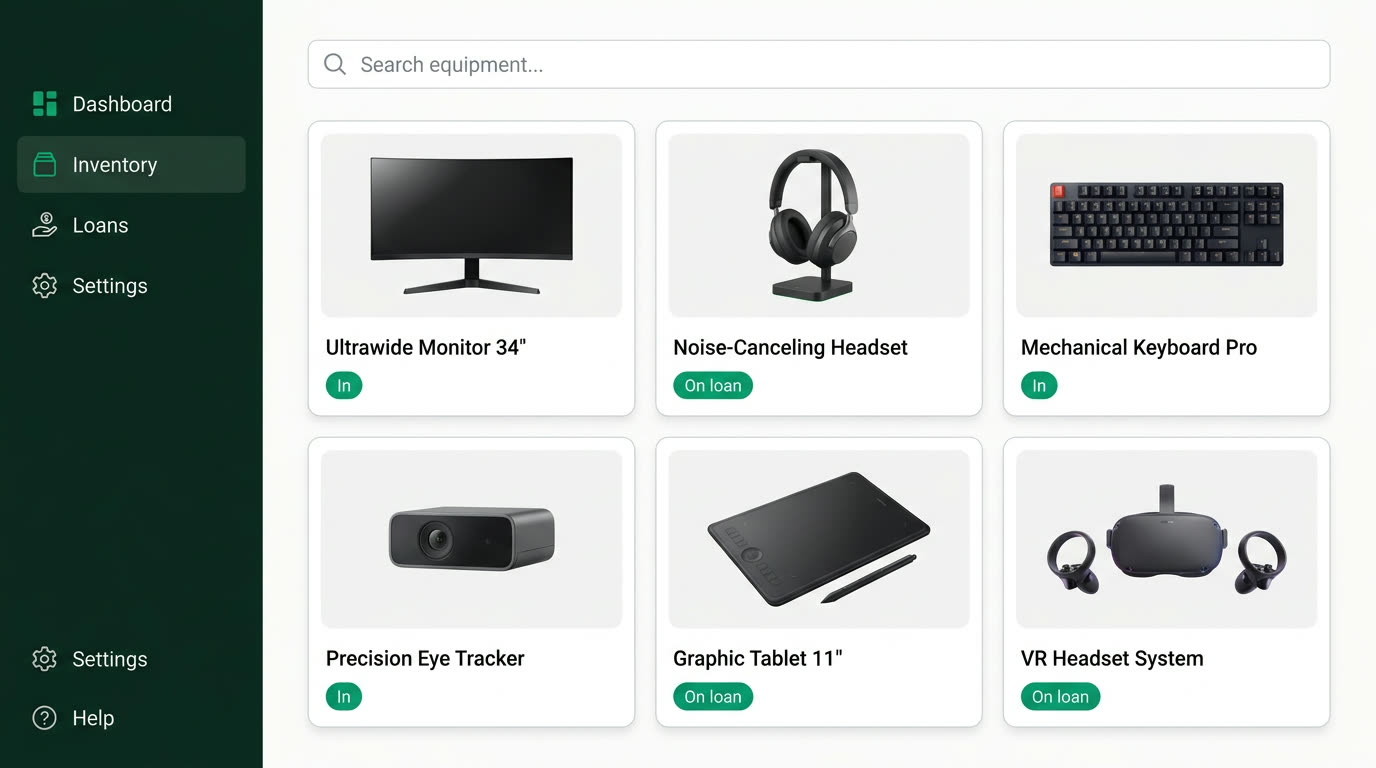
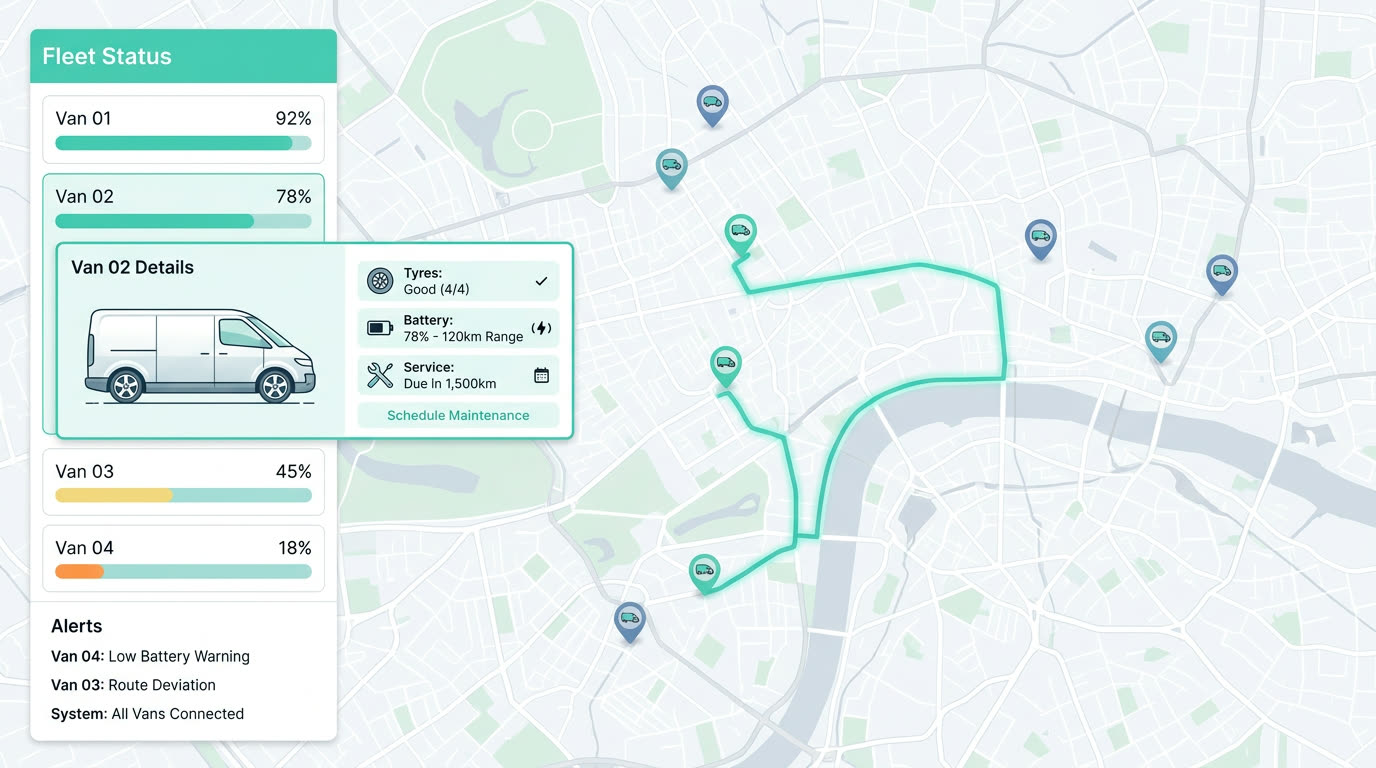
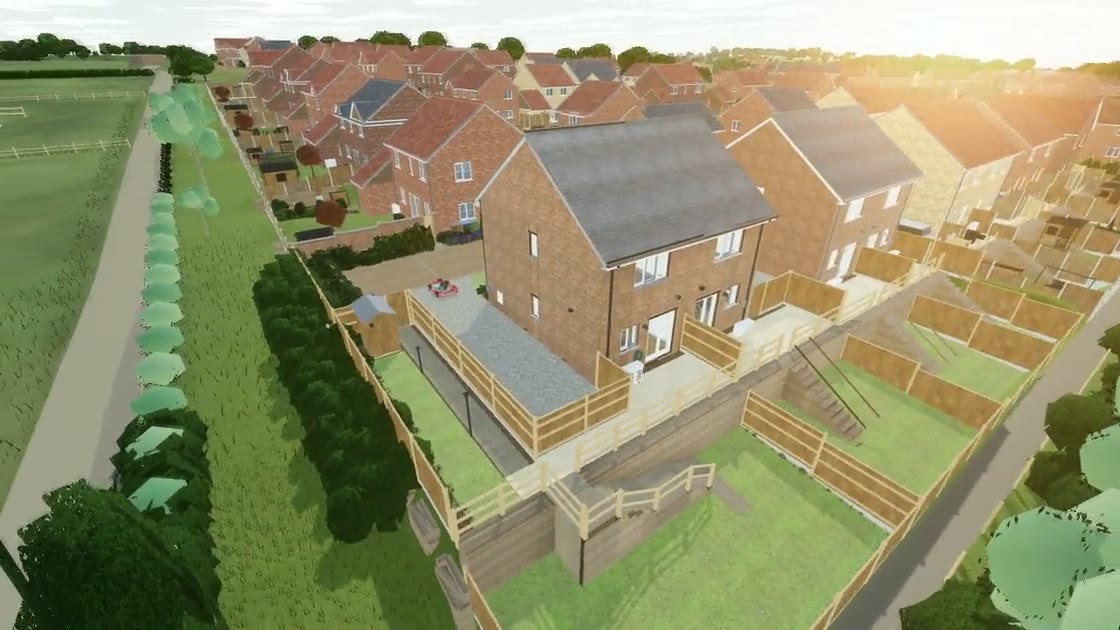
Seven small examples of software that would rarely be worth buying or commissioning: a task analysis tool, an equipment inventory, a vehicle management screen, a workload questionnaire based on NASA-TLX, a health tracking app, a 3D model of a house and a menu bar switch for a desk lamp.
Old habits to let go of
Which parts of interface design are fading? Magic prompt wording, heavy prototyping software, testing only with tidy data, waiting for small tools to be bought and putting up with bugs. A pencil sketch, a photo and a sentence can now be the fastest way to a prototype.
Who pays when it stops being cheap?
AI is sold by the token, and some of today's prices may be subsidised. This part looks at renting AI compared with running your own computers, and at how much water a typical prompt uses. It also asks how quickly people hand over control to automation.
What stays human
AI can handle much of the routine work. Judgement, taste, context, communication and clear requirements still come from people. Anyone can build screens, so the advantage is knowing the user.
How to view it
Use the right and left arrow keys to move. Press F11 on Windows, or Control, Command and F on a Mac, for full screen. The presentation runs in the browser. It has no sign-in, forms, downloads, adverts or tracking.